Somewhere along the way, “buying Microsoft Office” quietly turned into “renting Microsoft Office” — and a lot of people never noticed there was still a choice. There is. You can pay once and own your copy of Word, Excel and PowerPoint outright, or you can subscribe to Microsoft 365 and keep paying for as long as you keep using it.
We sell one-time licenses, so you know where our bread is buttered. But the honest answer is that each model wins for a different kind of user, and this guide is about working out which one you are — ideally before payment number 37 rolls around.
[image: split illustration showing a single boxed Office license on one side and a calendar full of monthly renewal reminders on the other]
First, what’s identical
Let’s clear up the biggest misconception: the apps are the same. Word is Word. Excel is Excel. A spreadsheet has no idea how you paid for the software that opened it, files move between both versions with zero friction, and both are genuine Microsoft products that activate against Microsoft’s own servers and receive security updates. Nobody who opens your documents will ever know which route you took.
The differences that actually matter
How you pay
A one-time Office license — Office 2021 or Office 2024 — is exactly that: one payment, and the software is yours for the life of the machine. Microsoft 365 bills you monthly or yearly, forever. Use it for five years and you’ve made sixty payments; use it for ten and you’ve made a hundred and twenty. The meter never stops.
What happens when you stop paying
With a one-time license, nothing — there’s nothing to stop. With Microsoft 365, the apps slide into read-only mode about a month after a missed payment. You can look at your documents. You just can’t edit them until you pay again. That detail alone decides it for a lot of people.
Features and updates
Here’s where the subscription earns its keep. Microsoft 365 continuously receives new features — the newest AI tools land there first, and often only there. A one-time license is a snapshot: the features it ships with are the features it keeps, plus security patches through its support lifecycle. If you can name the Excel feature you’re waiting for, you might want 365. If Excel already does everything you ask of it (this is most people), the snapshot is fine.
Cloud storage and device count
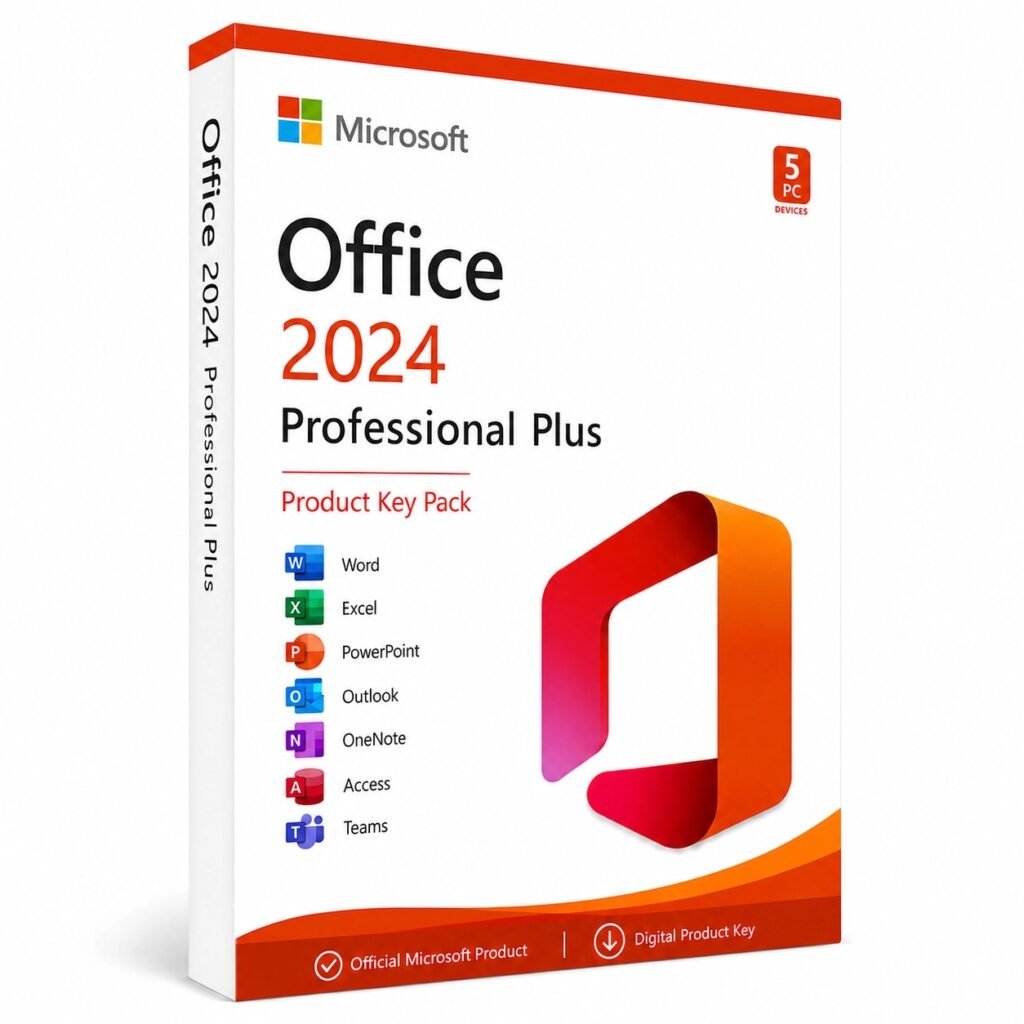
Microsoft 365 includes a terabyte of OneDrive storage and installs across your devices, phones and tablets included. A one-time license covers one PC — though multi-PC packs like the Office 2024 Pro Plus 5-PC pack close that gap at a fraction of the per-machine cost.
Side by side
| Feature | Office one-time (2021 / 2024) | Microsoft 365 |
|---|---|---|
| Pay once, own it | Yes | No |
| Recurring fee | No | Yes |
| Word, Excel, PowerPoint | Yes | Yes |
| Outlook | Yes (Home & Business and Pro Plus editions) | Yes |
| Works fully offline | Yes | Yes, with periodic sign-in checks |
| 1 TB OneDrive included | No | Yes |
| New features over time | No | Yes |
| Security updates | Yes | Yes |
| Keeps working if you stop paying | Yes | No — editing locks |
The five-year picture
Strip out the marketing and it comes down to arithmetic you can do in your head. One payment versus sixty. A one-time Office key typically costs less than a single year of the subscription — everything after that first year is money the subscriber pays and the owner doesn’t. Over a typical five-to-seven-year life of a work PC, the gap gets embarrassing.
The fair counterweight: if you’d separately pay for a terabyte of cloud storage anyway, share the plan across a family, and genuinely use the always-newest features, Microsoft 365 stops being overpriced and starts being a bundle. The problem is that most buyers pay for that bundle and use a third of it.
Which one should you buy?
You write, budget and email on one main PC
One-time purchase, no contest. Office 2024 Professional Plus gets you the full app set including Outlook, delivered by email in minutes, and you never think about it again.
You run a small office with several machines
The 5-PC pack exists for exactly this. One order, five machines, no per-seat monthly billing quietly compounding in the background.
You live in shared documents across laptop, tablet and phone
Take Microsoft 365 — sincerely. Real-time collaboration across many devices with cloud storage is the one job the subscription does better, and pretending otherwise would be selling you the wrong product.
You’re on Office 2016 or 2019 and wondering about upgrading
Your version still opens files fine, but support windows are closing. When you’re ready, jump straight to 2024 rather than through 2021 — our Office 2021 vs Office 2024 comparison breaks down exactly what changed and whether it matters for you.
Microsoft Office one-time purchase — FAQ
Is a one-time purchase of Microsoft Office still available in 2026?
Yes. Microsoft still sells perpetual licenses — Office 2024 is the current generation — it just doesn’t advertise them loudly, because the subscription is the product it prefers you buy. Our whole Office keys range is one-time licenses.
How long will Office 2024 get updates?
Microsoft has committed to supporting Office 2024 with security updates until October 2029, and history suggests the apps will keep working well beyond that — plenty of people are still happily running Office 2016 today.
Does a one-time license work offline?
Fully. After the one-time activation, no internet connection is required to use the apps — which is also why this model remains popular for boats, workshops, and anywhere connectivity is patchy.
How do I install and activate a one-time Office key?
Your key and official download link arrive by email within minutes of ordering. The whole process takes about ten minutes start to finish — the activation guide walks through it step by step, and support answers around the clock if anything snags.