
Description
Looking for the best price on a genuine Microsoft Office 2021 Professional Plus license? Software in Store delivers your office 2021 professional plus 5 pc by email within minutes of purchase — a full, authentic Microsoft license for 5 PCs that activates directly on Microsoft’s servers and never expires. One payment, no Microsoft 365 subscription, and every future update for this version included. It is the complete Office 2021 experience for a fraction of the retail price.
Why Buy Your Microsoft Office 2021 Professional Plus From Software in Store?
- Genuine Microsoft license — your product key activates directly on Microsoft’s own servers, the same validation a boxed retail copy goes through.
- Instant email delivery — the license key and step-by-step download & installation instructions arrive in your inbox within minutes of purchase, 24/7 including weekends and holidays.
- One-time payment, lifetime license — no subscription, no renewal fees, no recurring charges. Pay once and it is yours for the lifetime of the 5 PCs.
- Money-back guarantee — if your key cannot be activated and our support team cannot resolve it, you get a full refund.
- Free 24/7 technical support — real help with download, installation and activation whenever you need it.
- Secure checkout — payments are processed by trusted providers over encrypted connections; your card details never touch our servers.
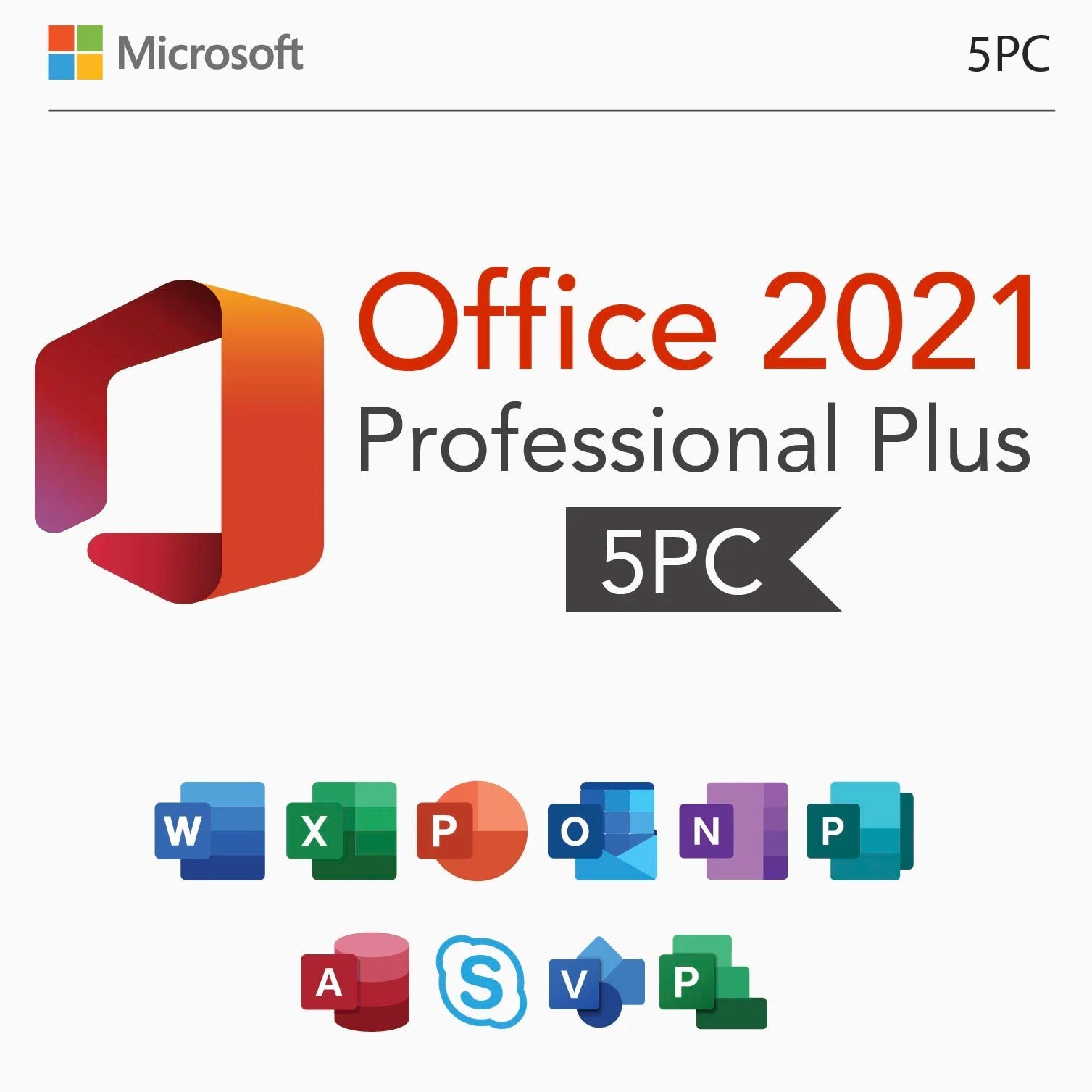
What’s Included in Office 2021 Professional Plus
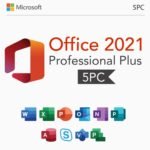
Microsoft Word 2021
Word 2021 adds real-time co-authoring, Line Focus reading mode, an updated Draw tab and a refreshed visual design, so writing and reviewing documents is faster and more comfortable.
Microsoft Excel 2021
Excel 2021 includes XLOOKUP, dynamic arrays, LET and XMATCH — modern functions that dramatically simplify lookups and complex calculations in your spreadsheets.
Microsoft PowerPoint 2021
PowerPoint 2021 supports slide show recording with presenter video, improved slide design tools and smoother animations for professional presentations.
Microsoft Outlook 2021
Outlook 2021 delivers instant search improvements, translation for over 70 languages and a cleaner interface for managing busy inboxes and calendars.
Microsoft OneNote 2021
OneNote keeps your research, meeting notes and to-do lists organized in flexible notebooks that sync across devices.
Microsoft Access 2021
Access 2021 makes desktop database work easier with the Add Tables task pane, improved Linked Table Manager and dark-theme support.
Microsoft Publisher 2021
Publisher 2021 lets you produce print-ready marketing material — brochures, labels, newsletters — without specialist design software.
System Requirements
- OS: Windows 10 or Windows 11 (64-bit recommended)
- Processor: 1.6 GHz dual-core or better
- Memory: 4 GB RAM (64-bit)
- Storage: 4 GB available disk space
- Display: 1280 × 768 resolution
- Internet connection for download, activation and updates
How to Download, Install & Activate
- Check your inbox — your license key and official download link arrive within minutes of purchase.
- Download the installer from the official Microsoft source linked in the email (no discs needed).
- Run setup and sign in or skip as instructed in the guide we send.
- Enter your product key when prompted — activation completes against Microsoft’s servers in seconds.
- Stuck anywhere? Contact our free 24/7 support and we will get you activated.
Frequently Asked Questions
Is this Microsoft Office 2021 Professional Plus key genuine and legal?
Yes — every Microsoft Office 2021 Professional Plus sold by Software in Store is a genuine Microsoft license, and you do not have to take our word for it, because activation itself is the proof. When you enter your product key during installation, your computer contacts Microsoft’s own activation servers directly, and only an authentic license will pass that check — there is no way for a reseller to fake it. The reason our price is so much lower than the retail box price has nothing to do with authenticity and everything to do with how the license is sold: we buy genuine licenses in volume and deliver them digitally by email, so you are not paying for retail packaging, shelf space, distribution or store margins — only for the license itself. This is the same model used by every major digital license store, and it is why savvy buyers have been purchasing product keys online for more than a decade. On top of the activation guarantee, every order from Software in Store is covered by our money-back guarantee: if your key cannot be activated and our 24/7 support team cannot resolve the issue, you receive a full refund. We are a store operated by a registered US company, our support answers around the clock, and your payment is processed over an encrypted connection by trusted payment providers — your card details never touch our servers. If you want to verify before buying, contact our support with any question about the Microsoft Office 2021 Professional Plus; we answer pre-sales questions 24/7 as well.
How fast will I receive my Microsoft Office 2021 Professional Plus product key?
Delivery is digital and nearly instant. Within minutes of completing your order you will receive an email containing your Microsoft Office 2021 Professional Plus product key, an official download link for the software, and a clear step-by-step installation and activation guide written for non-technical users. There is no physical box, no shipping cost and no waiting for the mail — which is exactly why digital license keys cost so much less than boxed retail copies. Orders are delivered automatically 24 hours a day, 7 days a week, including nights, weekends and public holidays, so a purchase made at 2 a.m. on a Sunday is delivered just as fast as one made on a Tuesday afternoon. If the email does not appear within a few minutes, check your spam or promotions folder first — automated emails occasionally land there — and if you still cannot find it, contact our 24/7 support team and we will resend your key right away. We recommend saving the delivery email (or noting the key somewhere safe), because your license is yours for life and you may want it again if you ever reinstall.
Is Office 2021 a one-time purchase or a subscription?
This is a one-time purchase, not a subscription. Your Microsoft Office 2021 Professional Plus license is a perpetual (lifetime) license valid for 5 PCs: you pay once at checkout and there are no monthly fees, no annual renewals and no surprise charges later. The license remains valid for the lifetime of the device it is activated on, and it includes all updates Microsoft releases for this version — security patches and improvements arrive through the normal update channel at no extra cost. This is the key difference between buying a perpetual license and subscribing to Microsoft 365: with a subscription you keep paying every year and lose access the moment you stop, while a lifetime license keeps working for as long as your device does. For most home users, students and small businesses that simply want dependable software, a one-time perpetual license is by far the more economical choice over the life of a computer. If you replace your device down the road, contact our support team — in many cases we can help you move your license or advise the most cost-effective option.
What is the difference between Office 2021 Professional Plus and Microsoft 365?
Office 2021 Professional Plus is a perpetual desktop version of Microsoft Office: it installs locally on your computer and includes Word, Excel, PowerPoint, Outlook, OneNote, Access and Publisher. Compared with a Microsoft 365 subscription, the biggest differences are cost model and cloud services: Microsoft 365 charges you every month or year and bundles cloud storage and continuous feature drops, while Office 2021 is a single payment that you own outright — the full desktop applications, with security updates from Microsoft, for the lifetime of your PC. If you mainly write documents, build spreadsheets, prepare presentations and manage email on one computer, the perpetual version does everything you need without the subscription bill. Compared with older Office versions, Office 2021 brings a newer interface and the latest file compatibility, so documents you exchange with colleagues on Microsoft 365 open cleanly. It runs fully offline — an internet connection is only needed for download, activation and updates — which also makes it the right choice for machines that are not always online.
What if the key doesn’t activate on my computer?
Activation issues are rare and almost always quick to fix — the most common causes are a typo in the key, leftover traces of an old Office installation, or a regional installer mismatch, all of which our team resolves daily. Contact our free 24/7 support the moment anything looks wrong and a specialist will walk you through it step by step, by chat or email, usually in minutes. We stay with you until Microsoft Office 2021 Professional Plus is installed and activated. And if we ever cannot activate your key, our money-back guarantee applies: you receive a full refund. You take no risk buying from Software in Store.
Reviews
There are no reviews yet.